Yes, Audi and Android Auto get along just fine: most 2017-on models support it, with many 2020-on cars offering wireless Android Auto.
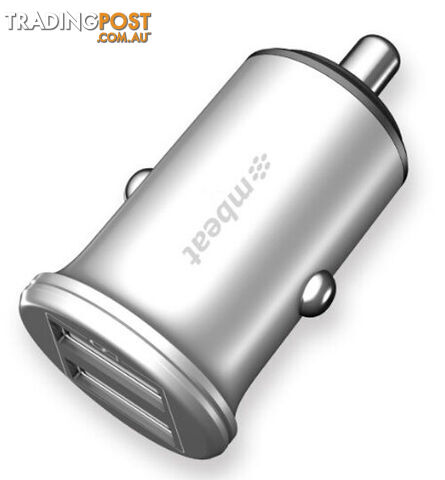
For wired, use a quality USB cable, plug in, unlock your phone, and accept the prompts on both the phone and the MMI; for wireless, enable Bluetooth and Wi‑Fi, pair the phone, then select Android Auto in the MMI’s smartphone interface. If it’s not showing, check that Google’s Android Auto app and Google Play services are up to date, and that “Allow projection” (or similar) is enabled in the MMI settings. Older Audis may need an MMI firmware update or an aftermarket retrofit module to join the party. Pro tip: cheap cables cause more drama than a reality TV reunion—use a reputable one.
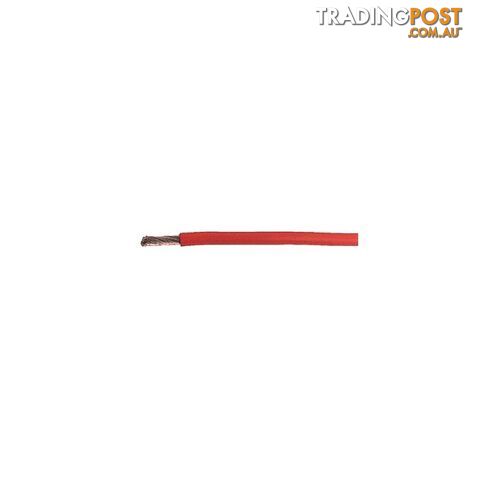 Consumer Electronics
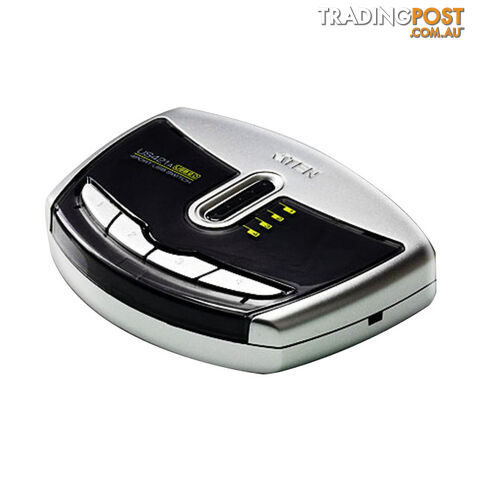 Consumer Electronics
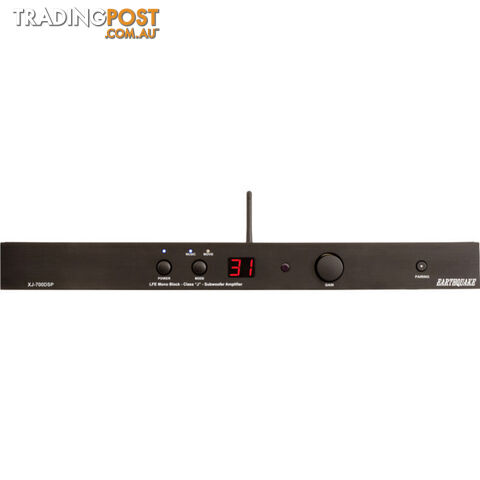 Consumer Electronics
 Electronic Components
![Forza Motorsport 3 & Halo 3 ODST Double Pack [Pre-Owned] (Xbox 360) - Microsoft...](https://photos.tradingpost.com.au/T946SHLS/5RWWKC/4LW3-SD.jpg) Retro Gaming
Retro Gaming![Grand Theft Auto V [Pre-Owned] (PS3) - Rockstar Games - Retro P/O PS3 Software...](https://photos.tradingpost.com.au/T946SHLS/WMZ7DS/KWHS-SD.jpg) Retro Gaming
Retro Gaming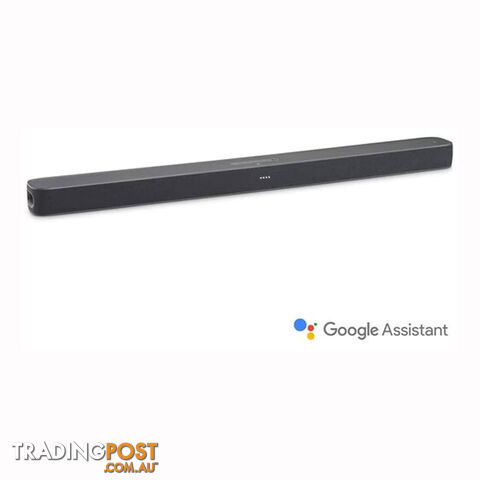 Headphones and Microphones
 Mobile Phones
![Grand Theft Auto: Vice City [Pre-Owned] (PS2) - Rockstar Games - Retro PS2...](https://photos.tradingpost.com.au/T946SHLS/B6YDK7/67MW-SD.jpg) Retro Gaming
Retro Gaming Mobile Phones Accessories
 Mobile Phones Accessories
 Gaming
 Projectors
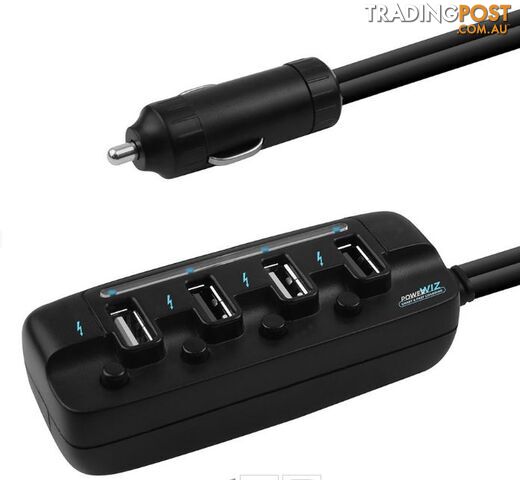 Mobile Phones Accessories
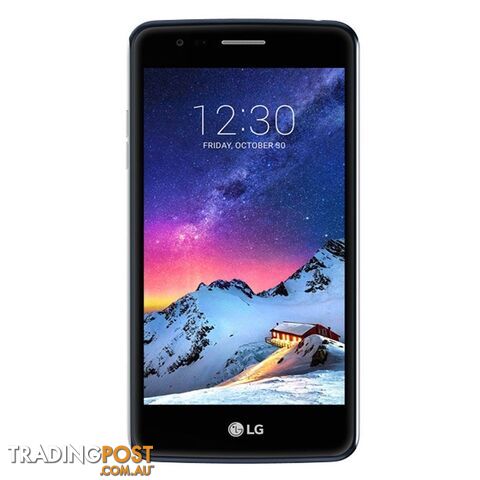 Mobile Phones
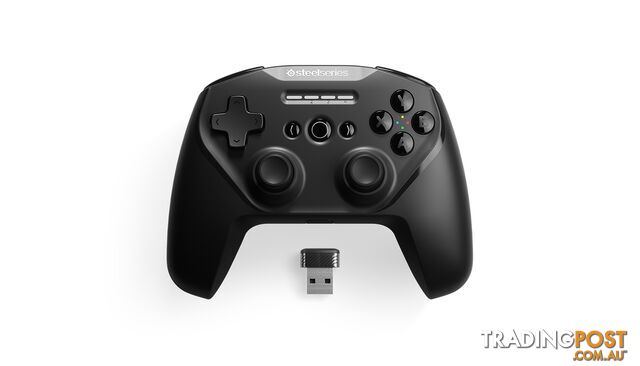 Gaming
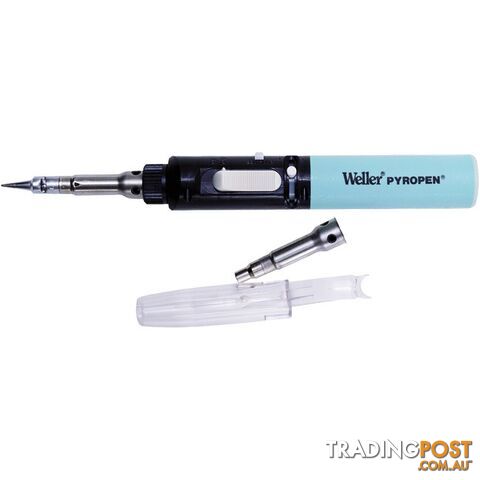 Consumer Electronics
 Consumer Electronics
 Consumer Electronics
 Consumer Electronics
 Other Tech Gadgets
 Other Tech Gadgets
 Other Tech Gadgets
 Projector Screens and Accessories
 Mobile Phones Accessories
 Cameras
 Consumer Electronics
 Consumer Electronics
 Consumer Electronics
 Consumer Electronics
Listing your ad only takes a few minutes, and most categories are free.
Post an adA weekly hand-picked round-up of the best bargains, free stuff, and trending listings. No spam, unsubscribe anytime.