Consumer Electronics
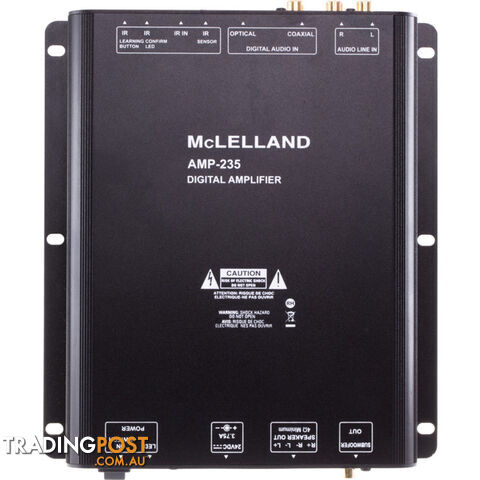
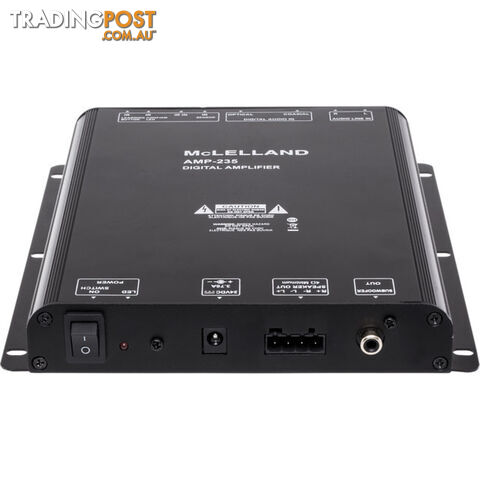
AMP235 2X 35W DIGITAL AMPLIFIER W/ IR STEREO AMP PERFECT FOR TVS

$399
Verified seller
Description
FEATURES
AMP-235 is designed in 2 channel Class D amplifier, with the design of space saving. It is the best solution for customer who need a simple design. It is very easy to mount behind the flat TV and pr ovide the better sound. The build-in IR learning function allows the volume to be controlled by TVâs remote control, or even other IR control kit. AMP-235 is an ideal amplifier for your home entertainment System.
The AMP-235 sits at the back of your TV and powers speakers and potentially a sub which is great for movies. Your current TV remote can be used to operate the AMP-235.
SPECIFICATIONS
Audio Inputs: Stereo Line Level, coaxial or optical (PCM format)
Outputs: 35W /Channel, 1kHz into 4 Ohms
Speaker out - removable screw-down connector for up to14AWG wire
Subwoofer out - (RCA) with integrated 120Hz low pass filter
IR Sensor Input: 3.5mm stereo jack
Amplifier Channels: 2 Signal-to-Noise Ratio: 90dB (1KHZ) Frequency Response: 20Hz to 20kHz 3dB
Input Impedance: 47K Power
Requirements: 24VDC 3.75A (External power supply)
Dimensions (WxDxH): 6" x 8" x 1.2" (154 x 203 x 30 mm)
FAQ
Q: What is the remote control for? A: The remote control is default to control the volume of the amplifier AMP235. AMP235 can also learn three IR commands (Vol , Vol-, and Mute) from your TV or Foxtel remote control. After it learns, you can use your TV/Foxtel remote control to controlthe volume of the amplifier. However, the supplied AMP235 remote control will not work anymore. Q: What are the steps to learn IR commands from the TV (Vol , Vol-, and Mute), refer to the video. A: The Vol , Vol- and Mute commands must be learned in sequence, 1st Vol , then Vol-, then Mute.  On AMP235, press and hold the IR Learning Button for 2 seconds until the IR Confirm LED blinks slowly. Place your TV remote control about 3-4 inches (7-10cm) away from the IR Learning window of AMP235, aiming the remote directly at theIR Learning window. Press and hold the TV remoteâs Vol key until the IR Confirm LED blinks for 1 second. Press and hold the TV remoteâs Vol â key until the IR Confirm LED blinks for 1 second. Press and hold the TV remoteâs Muteâ key until the IR Confirm LED blinks for 1 second. Confirm proper operation of all three volume commands. If any of the three commands must be re-learned, all three commands must be re-learned in order.  Q: I plug in the powersupply, but the power LED light is not ON. A: The power LED maybehave been disabled, you can enable it by pressing and hold the AMP235 IRLearning Button for approximately 10 seconds while powering Confirm LED will blink once when togging from "Disabled" to Enabled" and twice when toggling from "Enabled" to "Disabled". Once the IR Confirm LED has blinked, you can release the IR Learning Button.Â
Weight: 1.53 kg
Barcode Number: 9328202032546
$399
Your message is on its way
The seller will be in touch. We monitor all messages to help keep buyers and sellers safe.
Stay safe: buyer safety tips
T
Tradingpost sellerVerifiedVerified Tradingpost seller
You may also like
 Headphones and Microphones
$20$379 lessSale Price
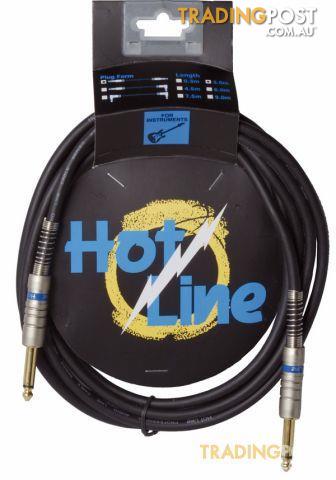
HOT LINE - 10'JACK TO JACK GUITAR LEAD
 Headphones and Microphones
$30$369 lessSale Price
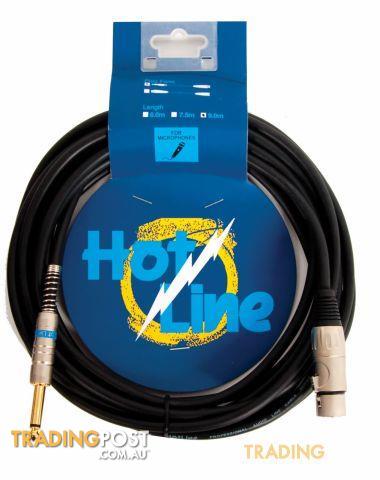
HOT LINE - 20' XLR TO JACK MICROHONE LEAD
 Headphones and Microphones
$30$369 lessSale Price
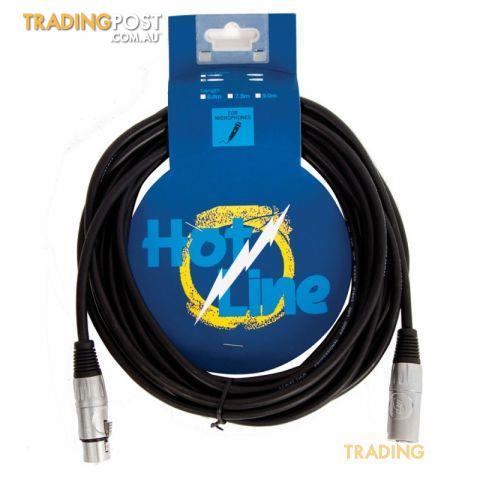
HOT LINE - 20 FOOT MIC CABLE XLR TO XLR
 Audio Systems
$265$134 less
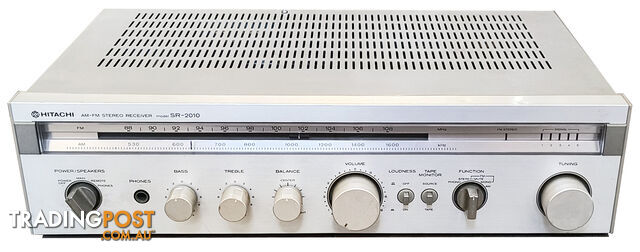
Vintage Hitachi SR-2010 Stereo Receiver Amplifier
 Other TVs
$155$244 less
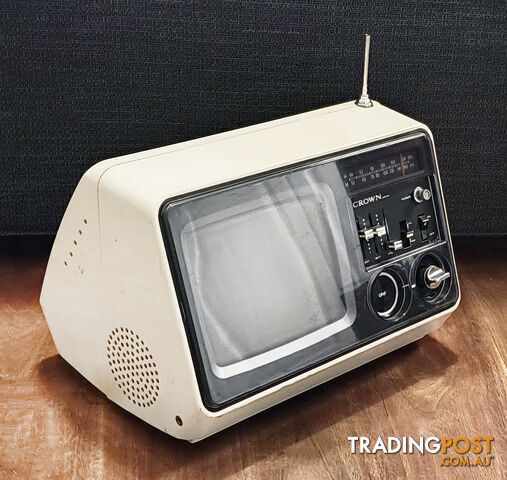
Vintage Crown 7TV-11 Black and White TV with AM/FM Radio
 Audio Systems
$295$104 less
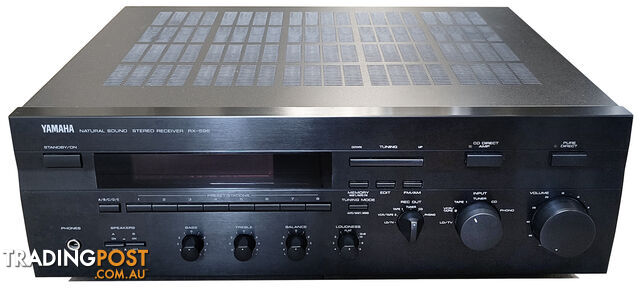
Vintage Yamaha RX-596 Stereo Receiver Amplifier
 Audio Systems
$450$51 more
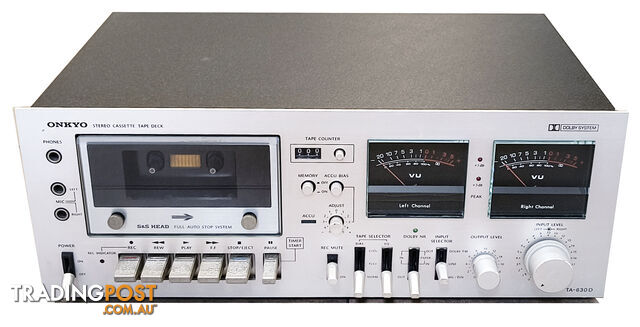
Vintage Onkyo TA-630D Stereo Cassette Deck - Serviced
 Audio Systems
$425Similar price
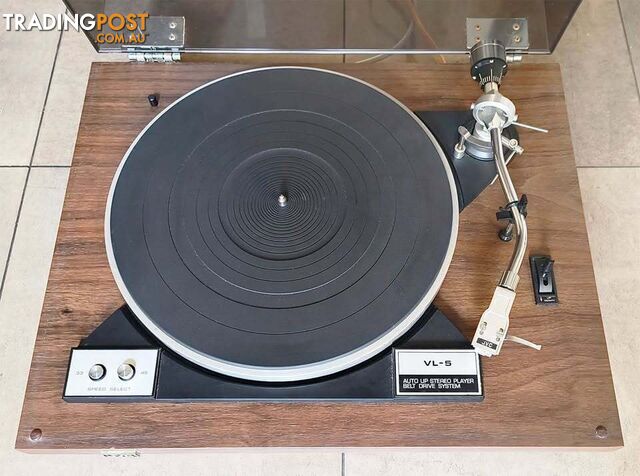
Vintage JVC VL-5 Semi-Auto Turntable
 Cameras
$120$279 less
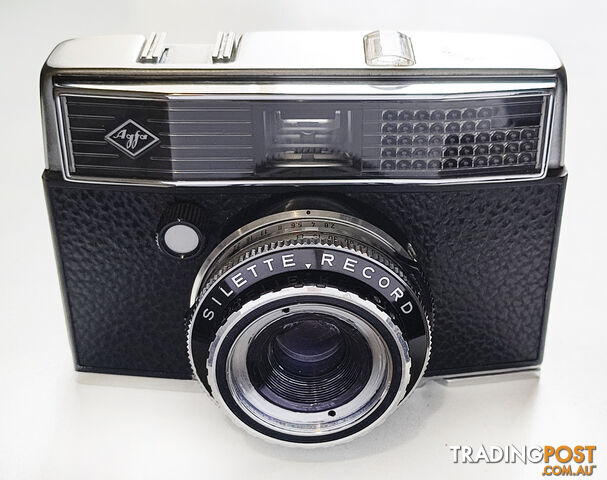
Vintage Agfa Silette Record - 35mm Viewfinder Camera
 Cameras
$125$274 less
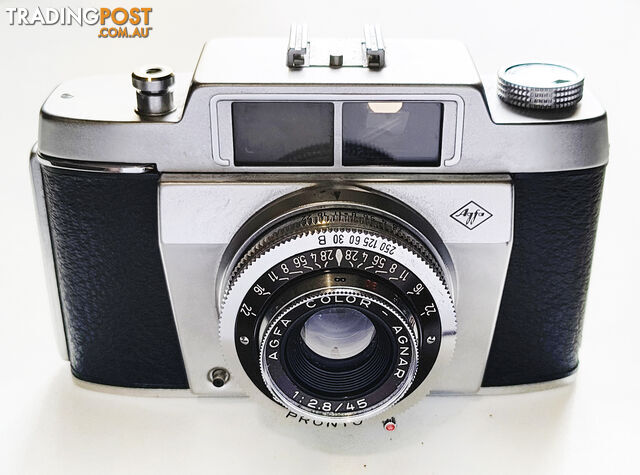
Vintage Agfa Silette Type 4 - 35mm Viewfinder Camera

Message seller
About AMP235 2X 35W DIGITAL AMPLIFIER W/ IR STEREO AMP PERFECT FOR TVS
Report this ad
Tell us what's wrong with this listing.