You don’t download Ford AppLink to the car—it’s built into compatible SYNC systems; you update SYNC and install supported apps on your phone.
First, check your SYNC version in Settings, then grab the latest update from the Ford Australia owner site and install via USB if needed.
On your phone, install compatible apps (and FordPass), enable AppLink permissions, Bluetooth, and location, then sign in to those apps.
Plug in via USB (or pair Bluetooth where supported), say ‘Apps’, and the AppLink‑enabled ones should appear on the SYNC screen.
Not all models or regions support every app, and some features need Android or iOS specifically, so check the app’s listing and your vehicle handbook.
If nothing shows up, reboot the phone, delete and re‑pair Bluetooth, and do a SYNC master reset—annoying, yes, but it usually does the trick.
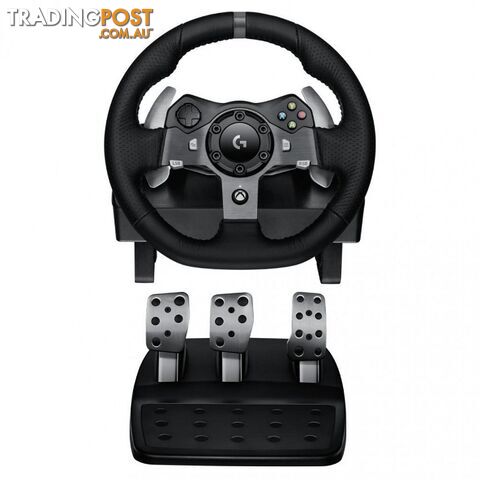 Controllers and Accessories
 Consumer Electronics
 Consumer Electronics
 Consumer Electronics
 Consumer Electronics
 Consumer Electronics
 Consumer Electronics
![Ford Racing 2 [Pre-Owned] (PS2) - Empire Interactive - Retro PS2 Software...](https://photos.tradingpost.com.au/T946SHLS/5R8393/M5V4-SD.jpg) Retro Gaming
Retro Gaming![Ford Racing 3 [Pre-Owned] (PS2) - Retro PS2 Software GTIN/EAN/UPC:...](https://photos.tradingpost.com.au/T946SHLS/TWWT7C/RGHP-SD.jpg) Retro Gaming
Retro Gaming Consumer Electronics
 Consumer Electronics
 Consumer Electronics
 Consumer Electronics
 Consumer Electronics
 Consumer Electronics
 Consumer Electronics
 Consumer Electronics
 Retro Gaming
 Consumer Electronics
 Consumer Electronics
 Consumer Electronics
 Consumer Electronics
 Consumer Electronics
 Consumer Electronics
 Consumer Electronics
 Consumer Electronics
 Consumer Electronics
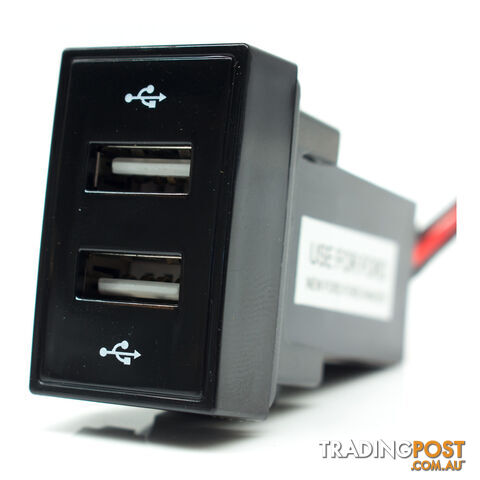 Batteries and Chargers
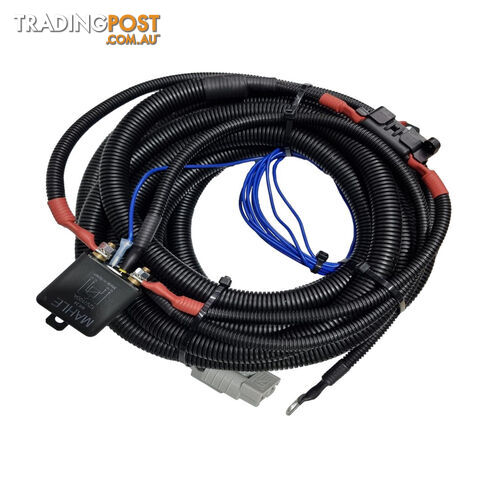 Batteries and Chargers
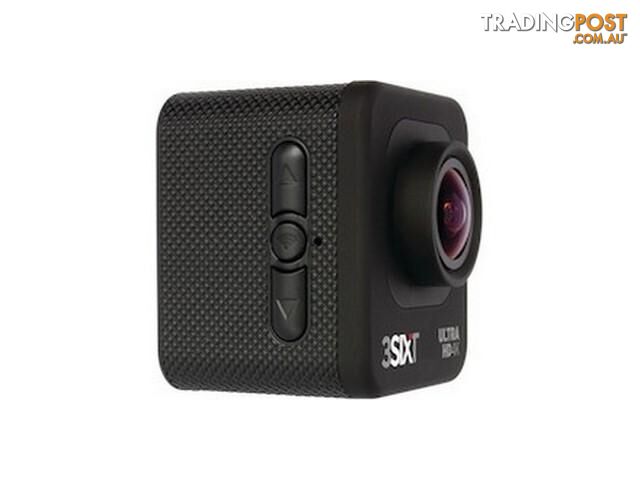 Mobile Phones Accessories
Listing your ad only takes a few minutes, and most categories are free.
Post an adA weekly hand-picked round-up of the best bargains, free stuff, and trending listings. No spam, unsubscribe anytime.