Short version: on many Aussie Fords, SYNC updates are either over Wi‑Fi (where supported) or the classic USB ritual—both easier than convincing the dog to get off the back seat. On SYNC 3/4, try Settings > General > Automatic Updates; if it offers one, let it do its thing while you make a cuppa.
For USB, grab your VIN, visit Ford Australia’s owner portal to download the package, put it on a blank FAT32 USB, start the car (engine running is best), plug in, and let it churn for 20–60 minutes. Don’t switch the car off mid-update or mash buttons like an impatient labrador. Navigation maps are a separate kettle of fish—SYNC 3 map updates are via USB when available; older SYNC 2 units have limited, often paid map options. When it’s finished, the system may ask you to upload a tiny log file back to the portal so the mothership knows you’re current. If something looks off, have a chat with a Ford dealer before you turn your dash into modern art.
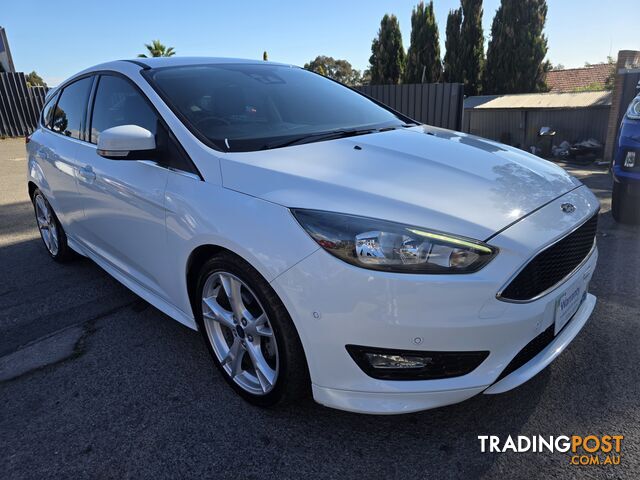
 Cars For Sale

 Cars For Sale
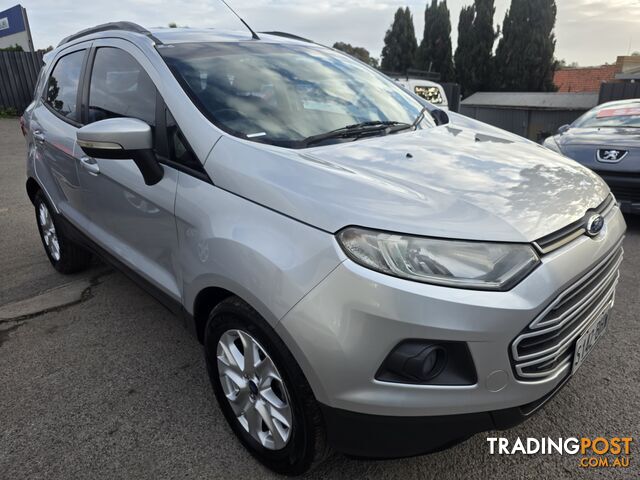 Cars For Sale
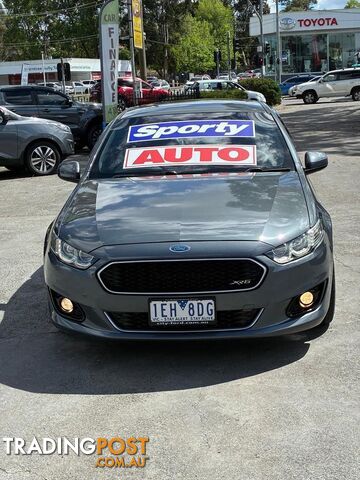
 Cars For Sale
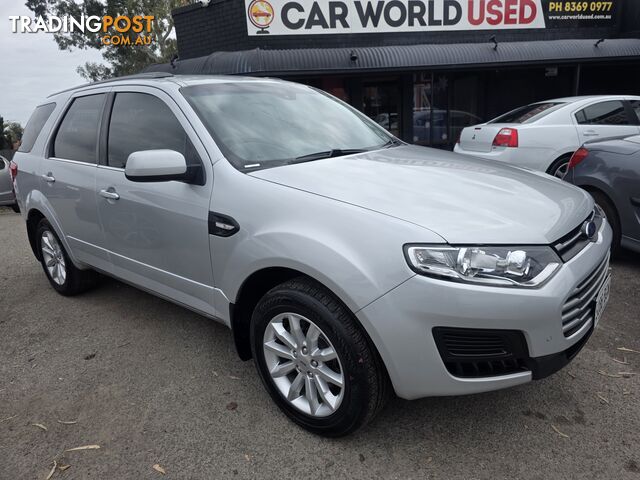 Cars For Sale
Listing your ad only takes a few minutes, and most categories are free.
Post an adA weekly hand-picked round-up of the best bargains, free stuff, and trending listings. No spam, unsubscribe anytime.
Know someone looking to buy or sell something? Send them to Tradingpost, Australia's original marketplace.