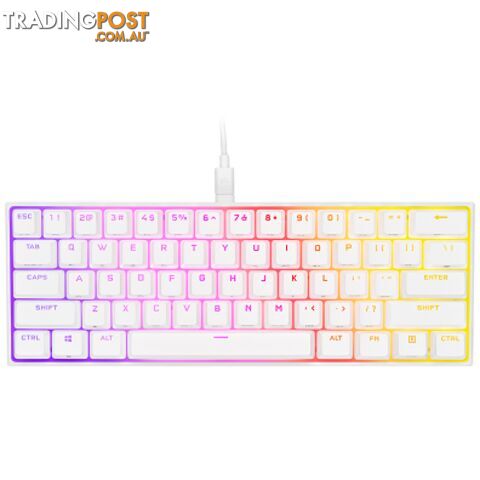
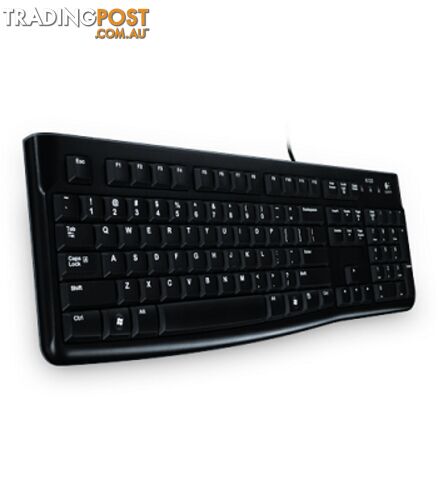
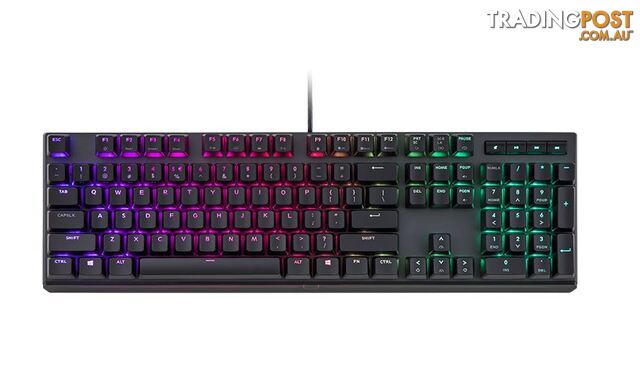
Cleaning your keyboard is less a chore and more a necessary evil to avoid the grimy apocalypse under your fingertips. First, unplug or power down your device—unless you enjoy the thrill of electrocution. Use compressed air to blast away dust and debris lodged between the keys. For surface grime, a slightly damp microfiber cloth with a bit of isopropyl alcohol works wonders—just don’t go soaking it like it’s a sponge. For stubborn gunk, gently pry off the keycaps (if your keyboard allows) and give them a soak in warm, soapy water. Finally, let everything dry thoroughly before reassembling; trust me, wet electronics don't make great pets.
 Keyboards
 Keyboards
 Keyboards
 Keyboards
 Keyboards
 Keyboards
 Keyboards
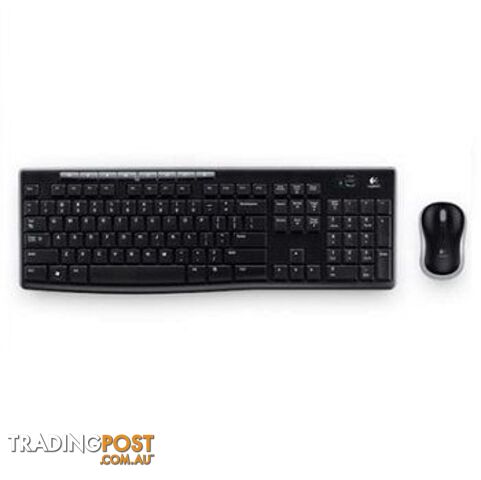 Keyboards
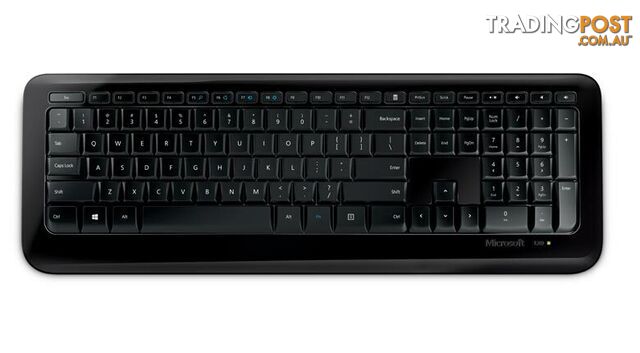 Desktop PC Packages
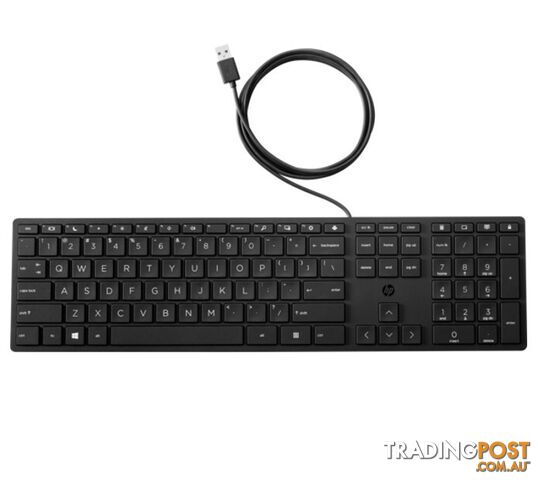 Desktop PC Packages
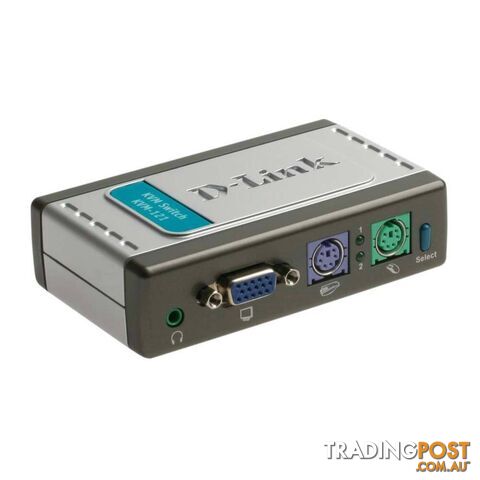 Other Computer Parts
 Monitors
 Notebooks
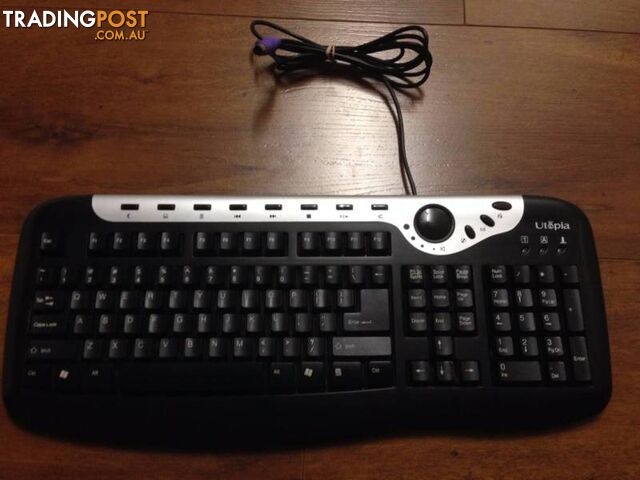 Keyboards
 Printers
 Printers
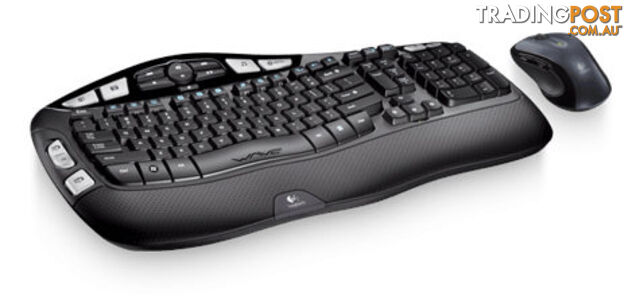 Keyboards
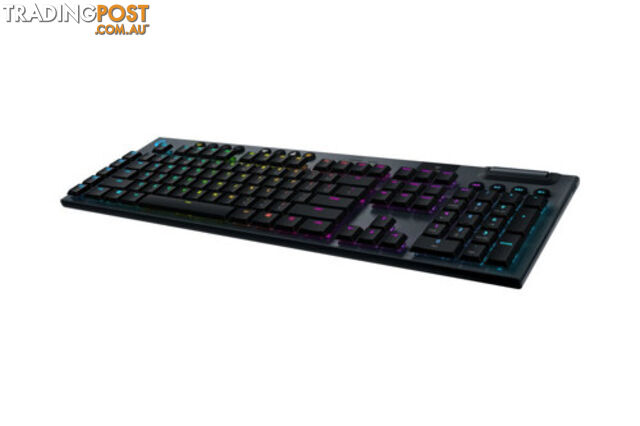 Keyboards
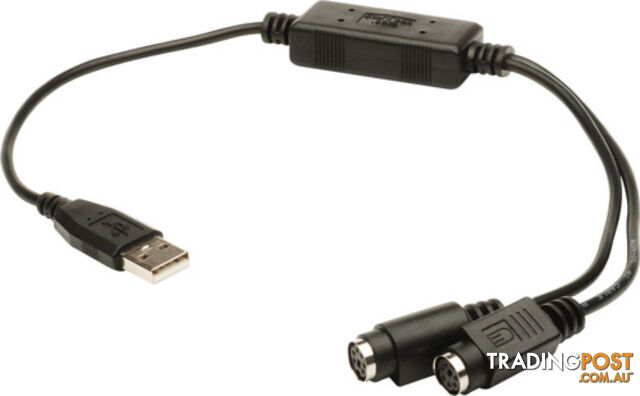 Other Computer Parts
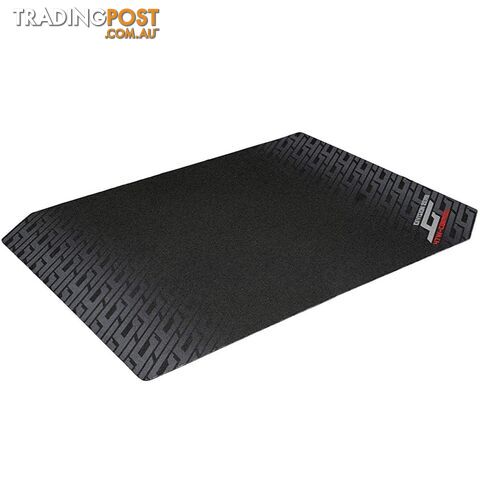 Mice
Mice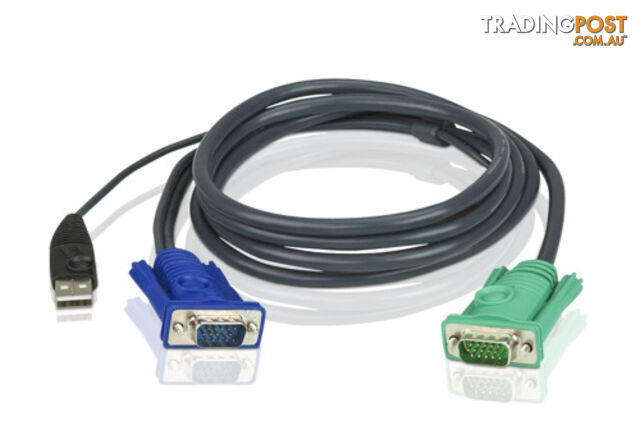 Other Computer Parts
 Keyboards
 Keyboards
 Keyboards
 Other Computer Parts
 Keyboards
 Monitors
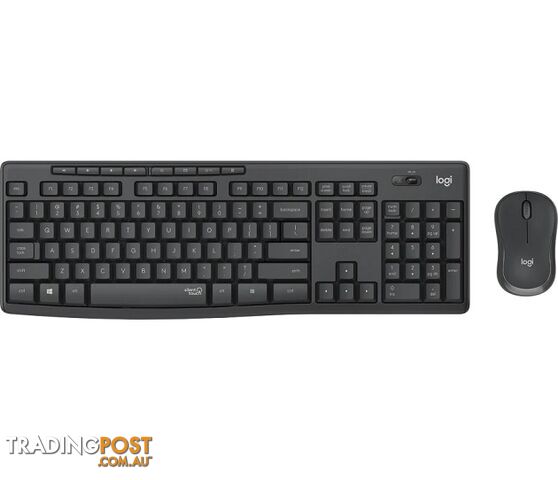 Keyboards
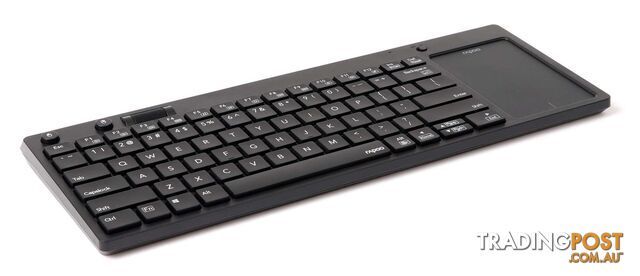 Keyboards
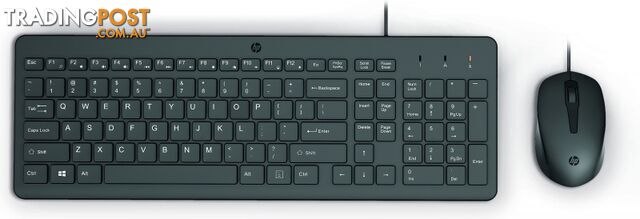 Desktop PC Packages
Listing your ad only takes a few minutes, and most categories are free.
Post an adA weekly hand-picked round-up of the best bargains, free stuff, and trending listings. No spam, unsubscribe anytime.