Using PayID is gloriously simple: in your bank app, register a PayID (your mobile number, email, ABN or Organisation ID) and link it to your chosen account.
To get paid, give the payer your PayID; they’ll see your name appear for confirmation, then the money lands via Osko in near real‑time, 24/7. To pay someone, pick “PayID” instead of BSB/Account, enter their PayID, confirm the displayed name, add a description, and send. Triple‑check the name match and watch for scammers pretending to “accidentally overpay”—refunds should go back the same way, not to some random mule account. You can move or lock your PayID in your app anytime, and setting transfer limits adds a nice safety net for fat‑finger moments.
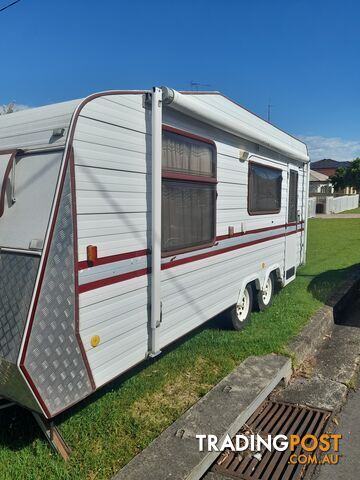

 Cars For Sale
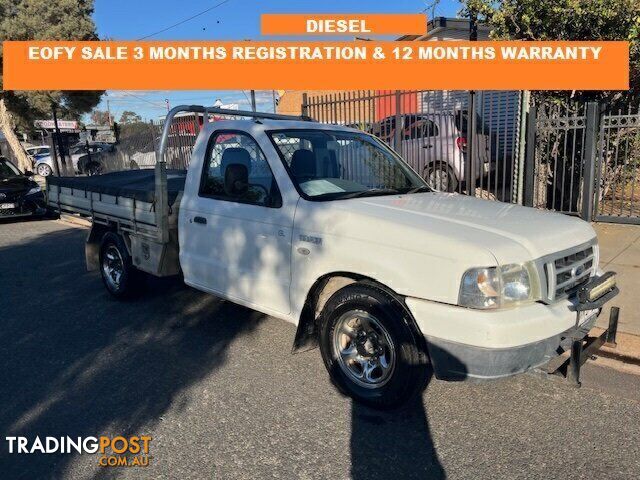 Cars For Sale
 Cars For Sale
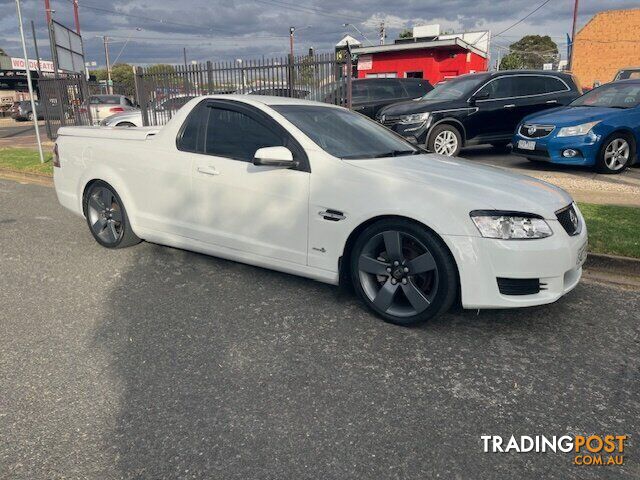 Cars For Sale
 21Residential For Rent
 20Residential For Rent
 Sheet Music
 Band Equipment
 6Plants and Trees
 7Plants and Trees
 28Residential For Sale
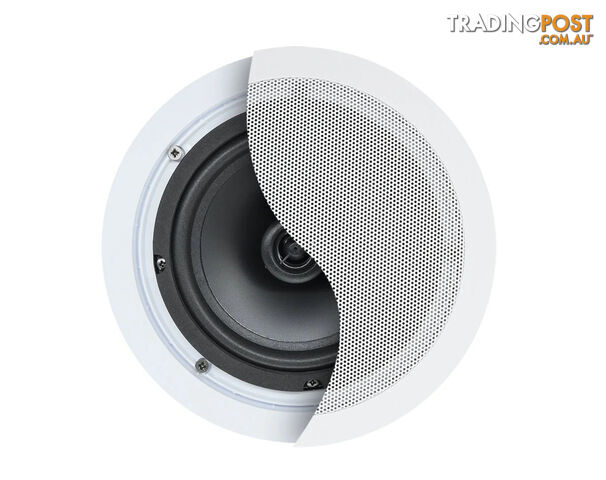 5Speakers
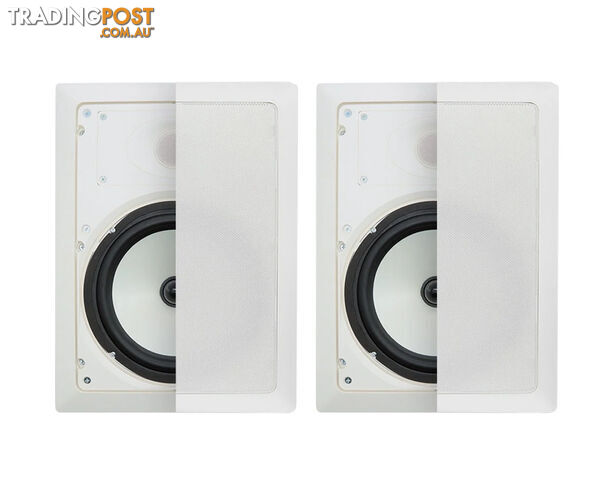 3Speakers
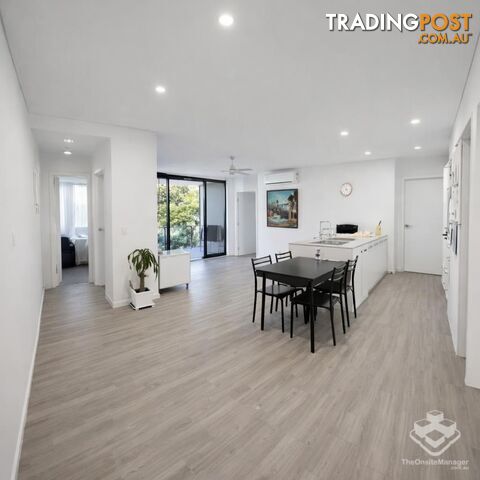 26Residential For Rent
 11Residential For Rent
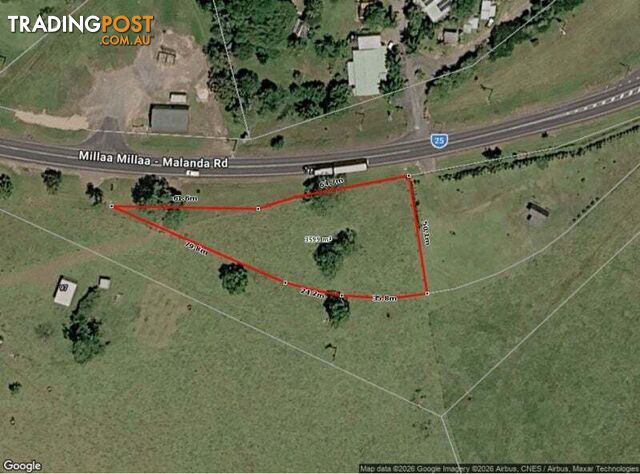 18Residential For Sale
 16Residential For Rent
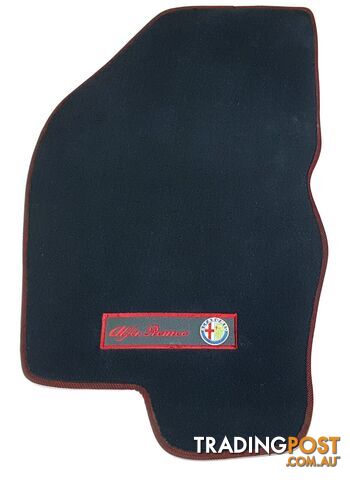 2Car Accessories
 15Residential For Rent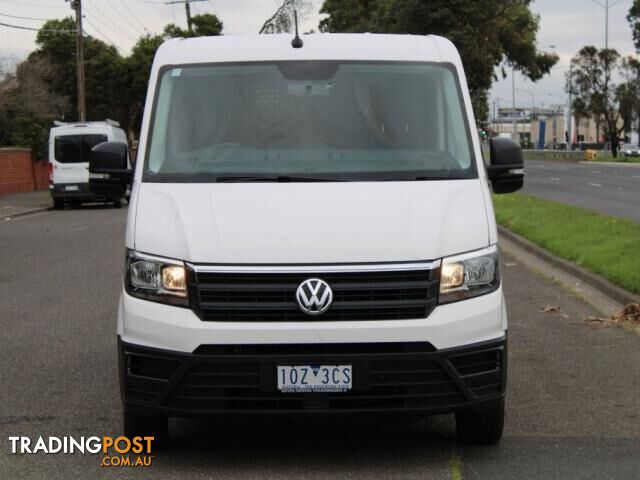
 Cars For Sale
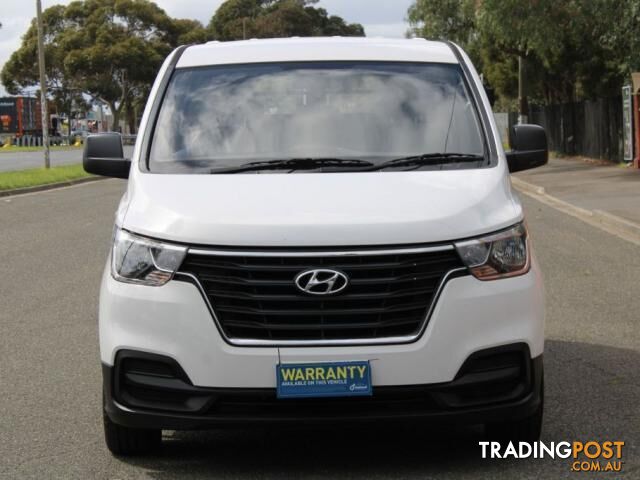 Cars For Sale
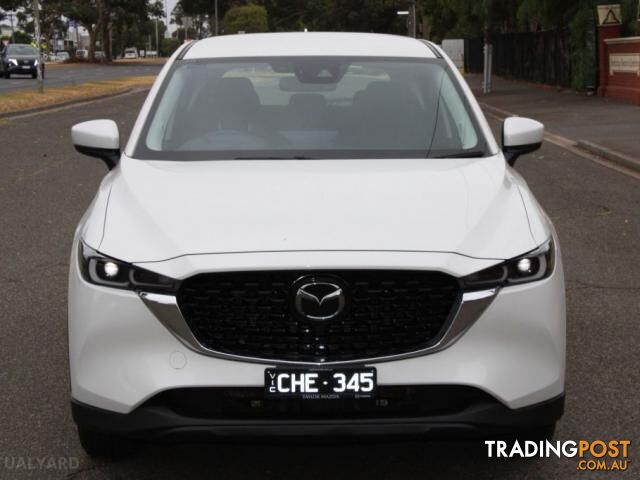 Cars For Sale
 Motorbikes For Sale
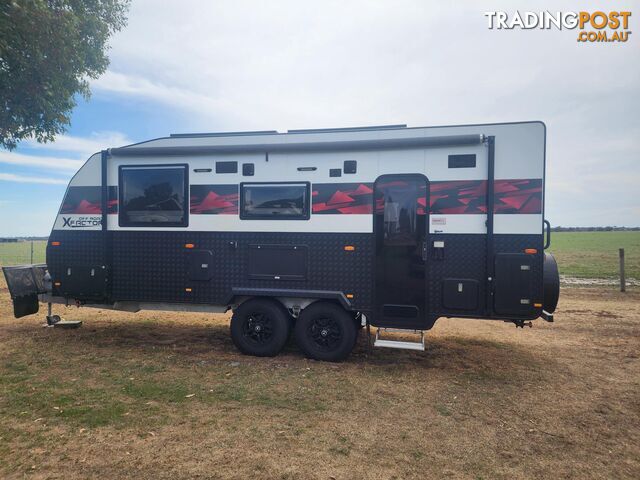 15Caravans For Sale
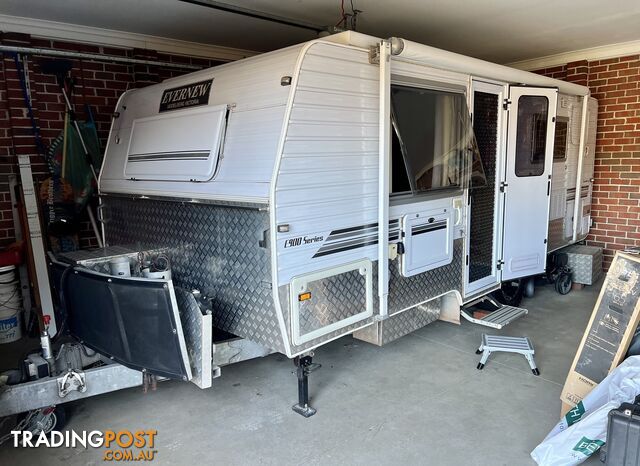 9Caravans For Sale
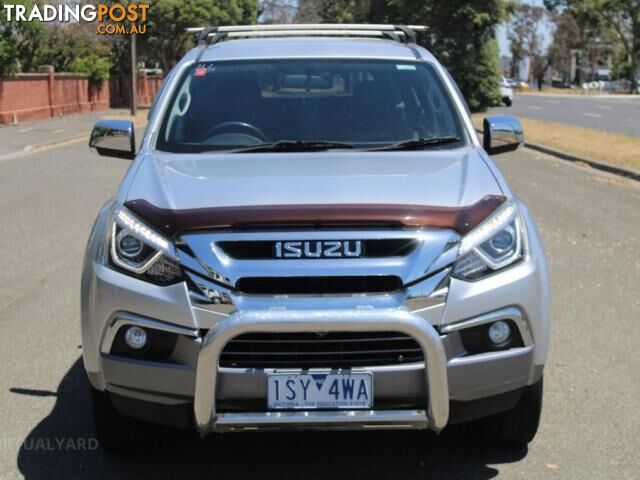 Cars For Sale
 24Residential For Sale
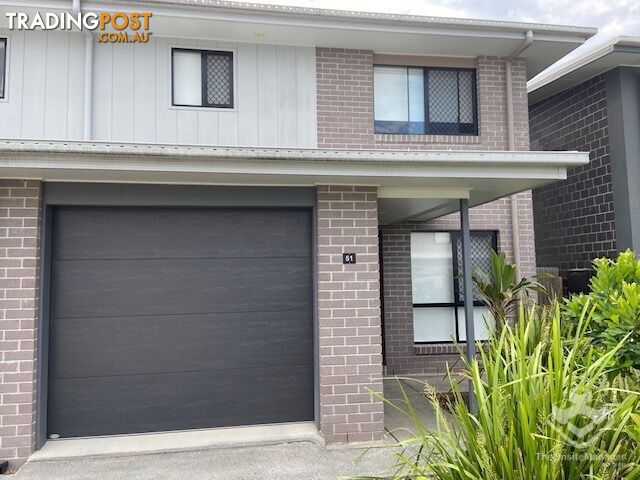 15Residential For Rent
 15Residential For Rent
Listing your ad only takes a few minutes, and most categories are free.
Post an adA weekly hand-picked round-up of the best bargains, free stuff, and trending listings. No spam, unsubscribe anytime.
Know someone looking to buy or sell something? Send them to Tradingpost, Australia's original marketplace.