Short version: you don’t “download” anything to the Hyundai; Android Auto lives on your phone and projects to the car.
On Android 10 or newer, Android Auto is built in—just plug in with a good USB cable (or go wireless if your Hyundai supports it); on Android 9 or older, install the Android Auto app from Google Play.
Enable Android Auto in the car’s settings, approve the permissions on your phone, and keep Google Maps and Play Services updated for fewer tantrums.
If your head unit is from a bygone era, check Hyundai’s official infotainment/navigation update portal or ask a dealer about a firmware update to enable or stabilise Android Auto.
Wireless Android Auto needs Bluetooth and Wi‑Fi, and not every trim has it—if the menu won’t show it, no amount of button mashing will.
 4Mobile Phones Accessories
 Mobile Phones Accessories
 Interconnects and Cables
 Mobile Phones Accessories
 Controllers and Accessories
 3Mobile Phones Accessories
 Controllers and Accessories
 Mobile Phones
 Controllers and Accessories
 8Projector Screens and Accessories
 Batteries and Chargers
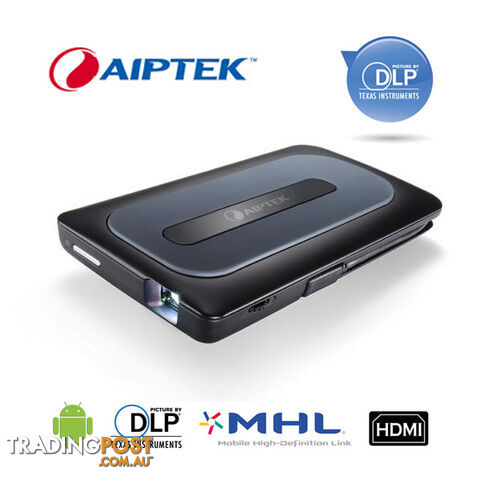 8Projector Screens and Accessories
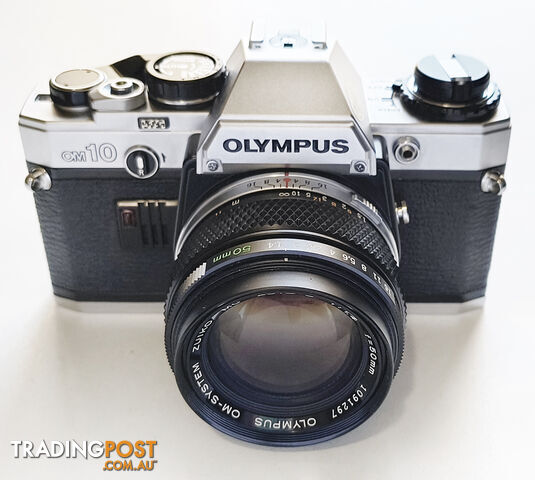 3Cameras
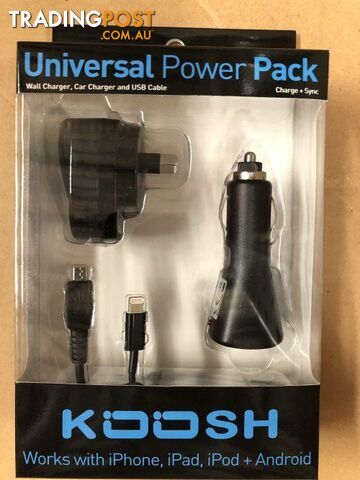 Batteries and Chargers
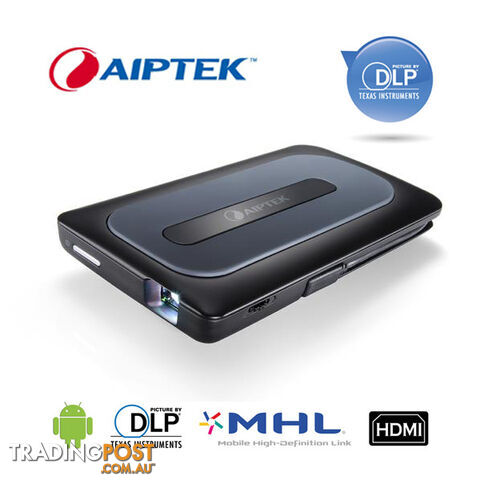 8Mobile Phones Accessories
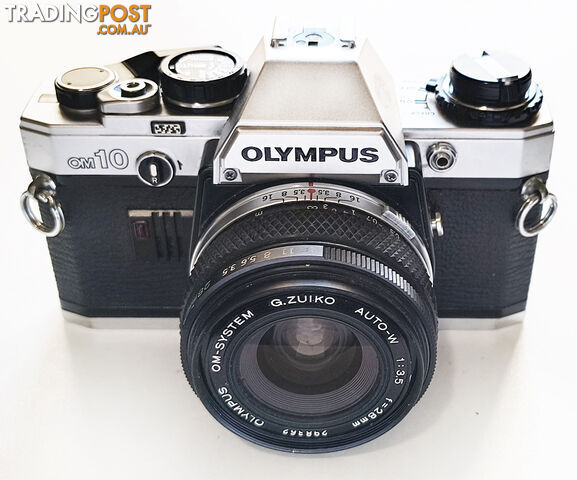 3Cameras
 Interconnects and Cables
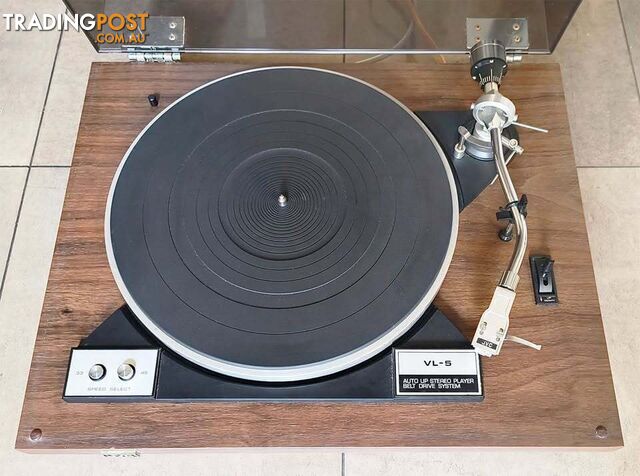 2Audio Systems
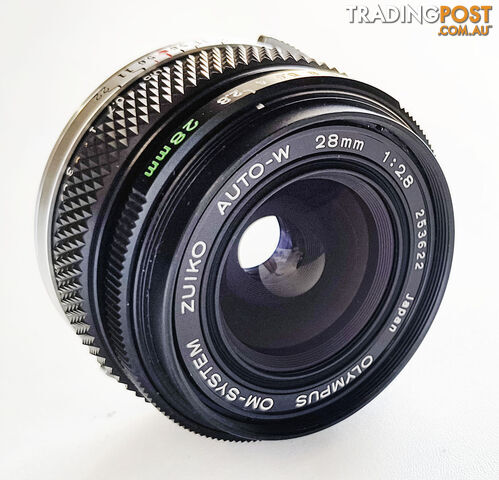 2Cameras Accessories
 Consumer Electronics
 Projector Screens and Accessories
 Console Games
 Gaming
 Interconnects and Cables
 Headphones and Microphones
 PC Games
 Other Tech Gadgets
 Mobile Phones Accessories
 Consumer Electronics
 Consumer Electronics
Listing your ad only takes a few minutes, and most categories are free.
Post an adA weekly hand-picked round-up of the best bargains, free stuff, and trending listings. No spam, unsubscribe anytime.