Hyundai Getz Bluetooth pairing is a small adventure, because most Aussie-delivered Getz models didn’t have factory Bluetooth—many rely on aftermarket head units or add-on kits.
On factory or dealer-fitted units, enable Bluetooth on your phone, set it to discoverable, then on the stereo tap Setup/Phone and “Pair New”; when prompted, select the car and enter the default PIN—usually 0000 or 1234.
For popular add-on kits (Parrot, BlueAnt, similar), hold the call or menu button for a few seconds to enter pairing, then follow the voice prompts the same way.
If it refuses to play nice, delete old pairings on both devices, restart the car, and try again with contacts access allowed; worst case, consult the specific head-unit manual or grab a modern Bluetooth head unit and live happily ever after.
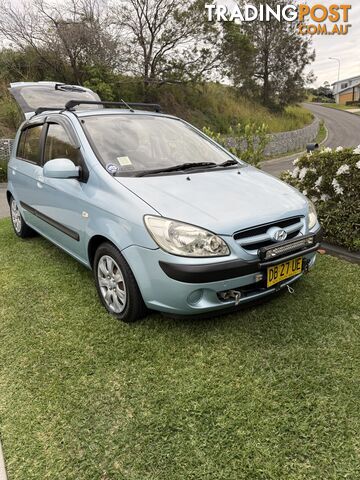 9Cars For Sale
 Cars For Sale
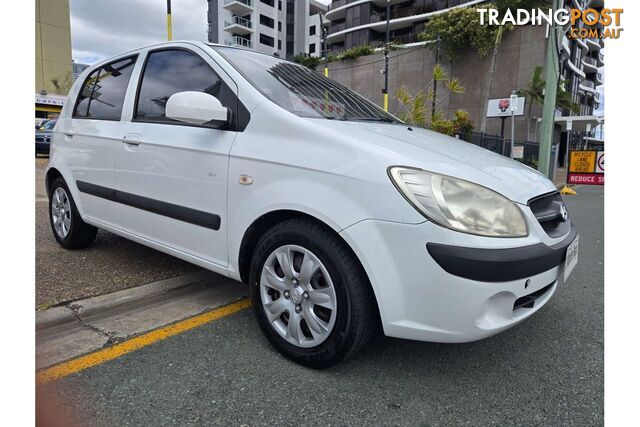 Cars For Sale
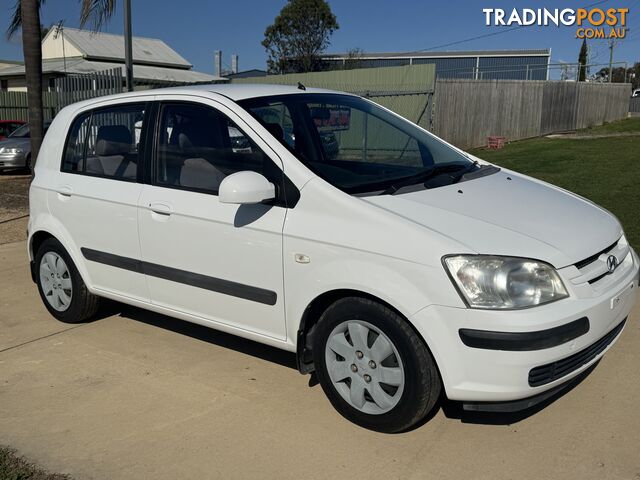 Cars For Sale
 Cars For Sale
 Cars For Sale
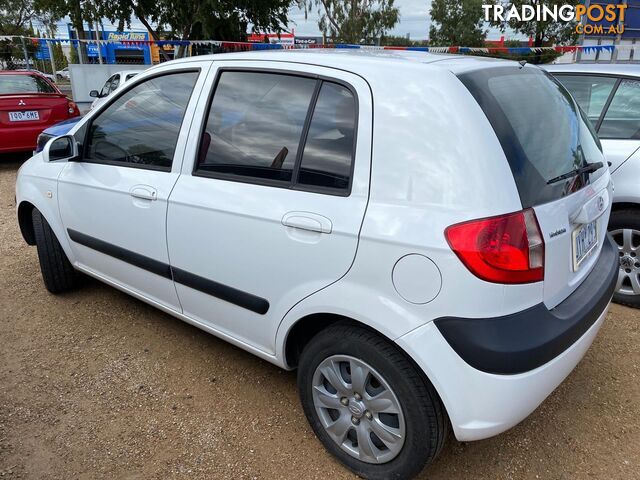 Cars For Sale
 Cars For Sale
 Cars For Sale
Listing your ad only takes a few minutes, and most categories are free.
Post an adA weekly hand-picked round-up of the best bargains, free stuff, and trending listings. No spam, unsubscribe anytime.
Know someone looking to buy or sell something? Send them to Tradingpost, Australia's original marketplace.
Know the warning signs of a dodgy deal before you buy or sell online.
Read the guideRead guide