Pairing a Mazda’s Bluetooth should be easier than parallel parking a shopping trolley. On most models, open the infotainment menu, head to Settings > Bluetooth > Add New Device, select your phone, and confirm the PIN on both.
If it won’t play nice, delete the old pairing on both car and phone, restart the phone, toggle Bluetooth off/on, and retry while parked. Update your phone’s OS and the Mazda infotainment firmware—older units can be divas until they’re current. Enable contact and audio permissions on your phone (iPhone: allow Contacts/Notifications; Android: enable Contact sharing/Calls/Audio) so calls and streaming actually work. Using wired CarPlay or Android Auto? Bluetooth audio may hand over to the cable—unplug if you want Bluetooth back.
 Cars For Sale
 Cars For Sale
 Cars For Sale
 Cars For Sale
 Cars For Sale
 Cars For Sale
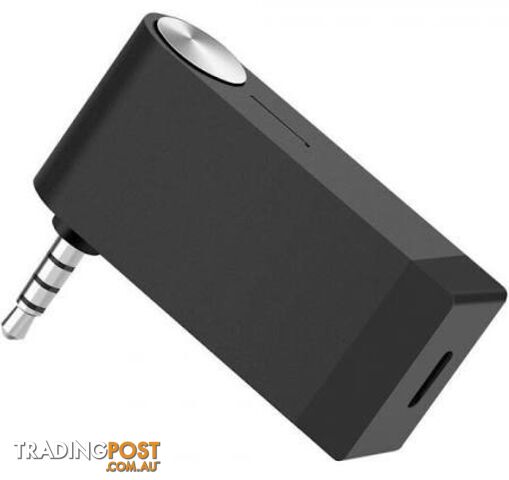 Headphones and Microphones
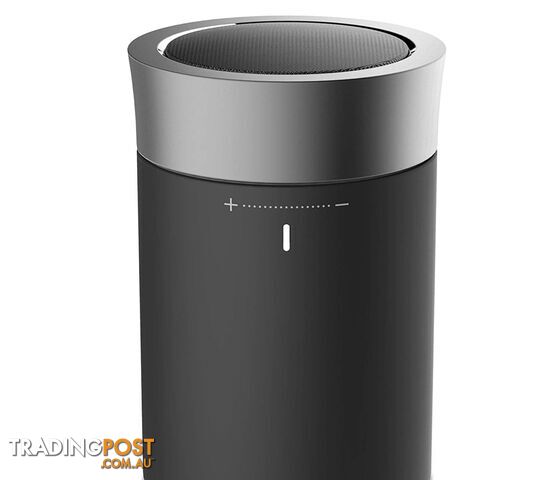 Portable Audio
 Pianos
 Other Computer Parts
 Other Computer Parts
 Other Computer Parts
 Other Computer Parts
 Cars For Sale
 Other Computer Parts
 Car Parts and Panels
 Car Parts and Panels
 Car Parts and Panels
 Car Parts and Panels
 Car Parts and Panels
 Portable Audio
 Car Parts and Panels
 8Wrecking and Damaged Vehicles
 Car Parts and Panels
 Car Parts and Panels
 Car Parts and Panels
 Car Parts and Panels
 Car Parts and Panels
 Car Parts and Panels
 Car Parts and Panels
Listing your ad only takes a few minutes, and most categories are free.
Post an adA weekly hand-picked round-up of the best bargains, free stuff, and trending listings. No spam, unsubscribe anytime.
Know someone looking to buy or sell something? Send them to Tradingpost, Australia's original marketplace.